


Starting a blog used to mean learning HTML, wrestling with FTP clients, and paying a developer to fix anything that broke. That barrier is gone. In 2026, a handful of mature, genuinely beginner-friendly platforms let you go from “I have an idea” to “my blog is live” in under an hour, with zero code touched along the way.
This guide walks you through the entire process: choosing the right no-code platform for your goals, registering a name, customizing your design with drag-and-drop tools, writing your first post, and setting up basic SEO so people can actually find what you write. Every step assumes you’ve never built a website before, and every recommendation is something you can do entirely through point-and-click menus.
Why does this matter right now? The blogging platform landscape has consolidated around a few dependable options rather than dozens of half-finished tools, which is genuinely good news for beginners — fewer, better choices mean less decision paralysis.
At the same time, the platform you pick on day one still matters more than most new bloggers expect, because switching later can cost you search rankings and reader trust. That’s the single biggest reason beginners regret their first platform choice, and it’s the first thing this guide helps you avoid.
By the end of this article, you’ll know exactly which type of no-code blogging platform fits your goals, how to set one up correctly the first time, what design and content mistakes to sidestep, and roughly how long it takes before a new blog starts gaining real traction.
Whether you want to build a personal brand, document a hobby, or eventually earn income from your writing, the process below gets you a professional-looking, functional blog without writing a single line of code — and without the false starts that send so many first-time bloggers back to the drawing board within a month.
TL;DR — Quick Steps
- Pick a beginner-friendly, no-code platform (WordPress.com, Wix, Blogger, or Squarespace).
- Choose a name and register a domain.
- Pick a free or paid plan and a template.
- Customize your design with drag-and-drop tools — no code required.
- Write and publish your first post, then set up basic SEO.
Recent Updates: Coverage published earlier this year confirms the beginner landscape hasn’t shifted dramatically, but the lineup of “safe first pick” platforms has firmed up around a smaller group.
Recent 2026 roundups consistently point beginners toward WordPress.com as the all-around starting platform, Medium for writers who want built-in readership, Substack for email-first publishing, Wix as a combined website-and-blog option, and Blogger as the simplest set-and-forget choice Several 2026 guides also note that starting on a platform that can’t support growth is still the most common early mistake, since migrating later can disrupt SEO and traffic — which is why this guide leans toward platforms you can grow with rather than the flashiest option.
Table of Contents
What You’ll Need Before You Start
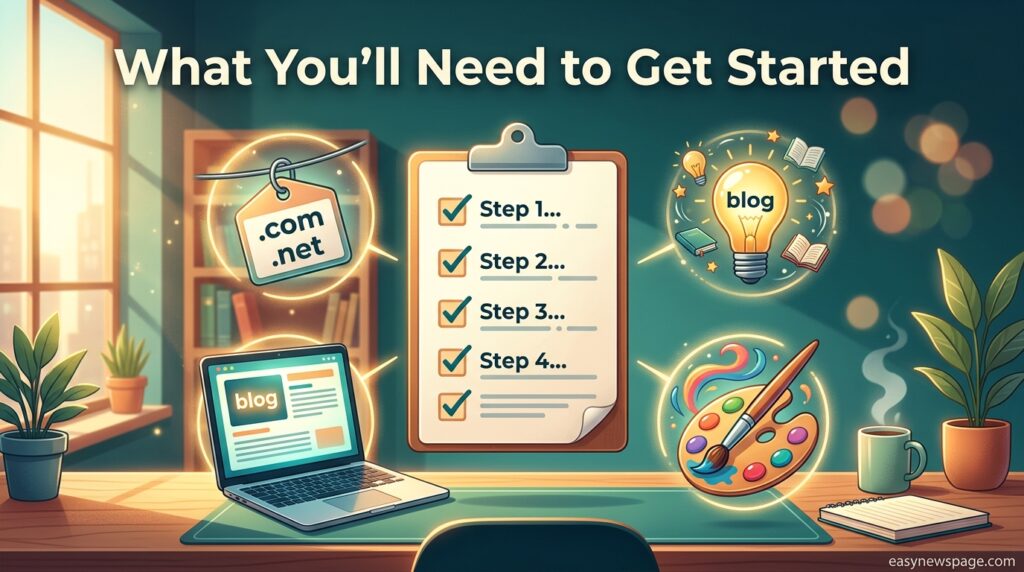
You don’t need much to begin, but having these ready makes the setup process faster:
- A blog idea or niche — even a rough one (food, personal finance, travel, a hobby).
- A name — for your blog and, ideally, a matching domain.
- An email address — used to register your platform account.
- 30–60 minutes — most no-code platforms can get a basic blog live in one sitting.
You do not need hosting knowledge, design experience, or any familiarity with code. The platforms below handle all of that for you.
Step-by-Step Instructions
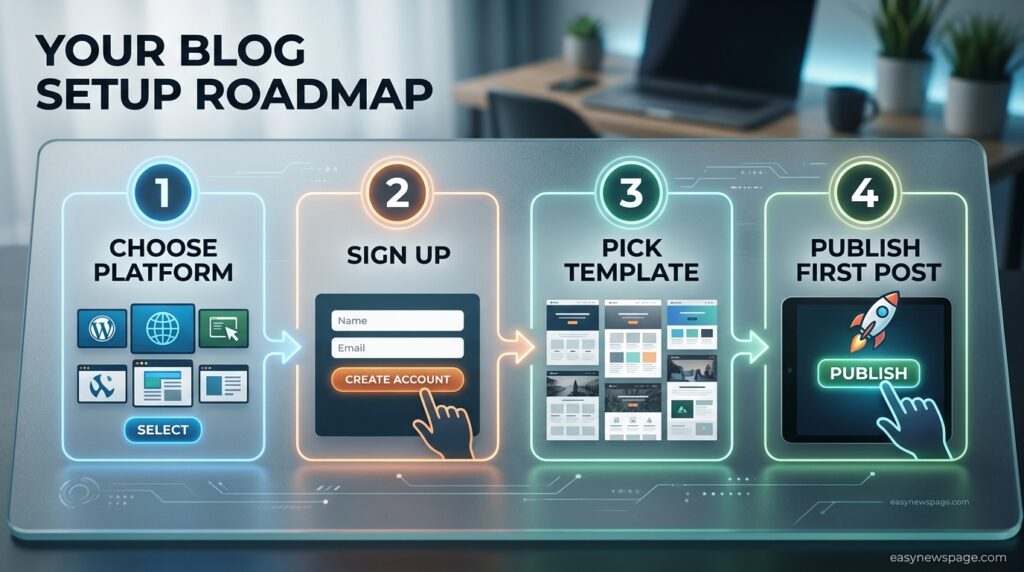
Choose the Right No-Code Platform
Your platform choice depends on your goal. If you want full control over design and SEO, a platform like WordPress.com or Wix makes more sense, while Blogger and Medium require no prior experience. A few practical starting points:
- WordPress.com — best all-around choice; strong free blogging platform option with room to grow into a self-hosted setup later.
- Wix — best if you want a combined website-and-blog with heavy drag-and-drop customization.
- Blogger — simplest possible setup, good for a “just start writing” approach.
- Squarespace — best if design and visual polish matter most to you from day one; it’s a no-code platform known for stunning templates and an intuitive drag-and-drop editor, with strong built-in e-commerce options if you want to monetize later.
- Medium or Substack — best if you want an existing audience and don’t want to manage a website at all.
Sign Up and Pick a Plan
Create an account with your email or via Google/Apple. Most platforms offer a free tier that’s genuinely usable for a first blog — you can always upgrade once you have traffic or want a custom domain.
Register or Connect a Domain
If your platform offers a free subdomain (like yourname.wordpress.com), start there to avoid upfront cost. When you’re ready for a professional look, register a custom domain directly through the platform — no separate hosting setup required.
Pick and Customize a Template
Every major no-code platform ships with pre-built templates. Choose one that matches your niche, then customize colors, fonts, and layout using the visual editor — drag, drop, click, done. This is the entire “design” step; there’s no code to touch.
Set Up Your Core Pages
Before your first post, add:
- A Home page or feed
- An About page introducing you and your blog’s purpose
- A simple Contact method (form or email)
Write and Publish Your First Post
Use the platform’s built-in editor (usually a block-based or rich-text editor) to write your post. Add one relevant image, a clear title, and a short introduction that tells readers what they’ll get from reading. Hit publish.
Turn On Basic SEO Settings
Most platforms include built-in SEO fields for a page title, meta description, and URL slug. Platforms like WordPress.com, Wix, and Medium are particularly strong here, offering meta tag editing, clean URLs, mobile responsiveness, and sitemap support — fill these in for every post so search engines can index your content properly from day one.
Common Mistakes and Pitfalls to Avoid
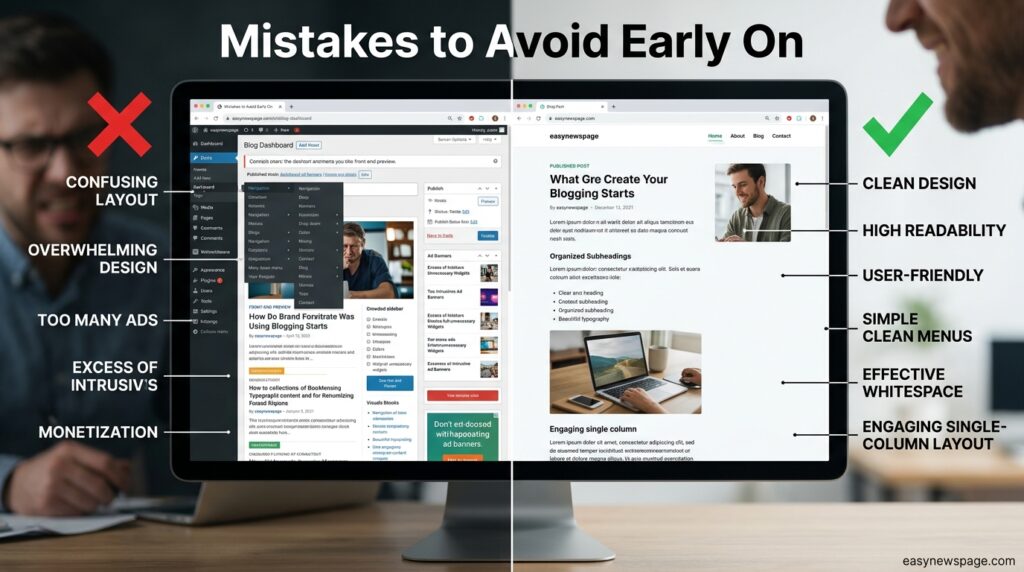
- Overthinking the platform choice. Any of the major no-code options can work; picking one and starting beats weeks of comparison.
- Starting on a platform you’ll outgrow. Beginners who start on a platform that doesn’t support growth often have to migrate everything later, which can break SEO and cost traffic — so lean toward WordPress.com, Wix, or Squarespace if you eventually want more control.
- Skipping the About page. Readers and search engines both use it to understand who you are.
- Publishing without a meta description. This is a one-field fix that directly affects how your post looks in search results.
- Waiting for a “perfect” first post. Your first few posts exist to get you into a writing rhythm, not to go viral.
Tips to Speed Up Results
- Publish consistently, even if it’s just one post a week — consistency matters more than frequency.
- Write for one reader, not everyone; specific, useful posts outperform vague ones in search and shares.
- Reuse your template settings so every post looks consistent without extra design work.
- Link your posts to each other as you publish more, which helps both readers and search engines navigate your site.
How Long Until You See Results
Most new blogs take three to six months of consistent publishing before search traffic becomes noticeable, and often longer for a genuinely competitive niche. Early traffic typically comes from direct shares and social platforms rather than search; organic search traffic tends to build gradually as your post count and site history grow. Treat the first few months as setup and habit-building rather than a traffic test.

Read more: How to Start a Blog in Under 30 Minutes
Frequently Asked Questions
Do I need any coding knowledge to start a blog in 2026?
No. Platforms like WordPress.com, Wix, Blogger, and Squarespace all use visual, drag-and-drop editors. You can design pages, format posts, and publish content entirely through point-and-click menus.
Which free blogging platform is best for a complete beginner?
WordPress.com and Blogger are typically recommended as the simplest, most beginner-friendly starting points, since both offer free plans, minimal setup, and strong long-term flexibility as your blog grows.
Do I need to buy a domain name right away?
No. Most platforms let you start on a free subdomain and upgrade to a custom domain later once you’re ready to invest in your blog’s long-term branding.
How much does it cost to start a blog without coding skills?
You can start entirely free on most platforms’ basic tiers. Paid plans, which typically include a custom domain, more storage, and advanced design options, usually start at a few dollars per month, though exact pricing should be checked on each platform’s current pricing page.
Conclusion
The technical barrier to blogging is essentially gone — what’s left is a choice and a habit. Pick one no-code platform that matches your goal (WordPress.com or Wix if you want room to grow, Blogger if you want the fastest possible start, Medium or Substack if you want an existing audience), set it up using the steps above, and publish your first post today rather than after another round of research.
The single most actionable takeaway from this guide is this: your platform choice matters less than starting consistently on it. New bloggers lose far more momentum to endless platform comparison and design perfectionism than to picking the “wrong” tool. Every major platform covered here is capable of supporting a successful blog; none of them will hold you back at the beginner stage.
Your next step is simple — open one of the platforms above, create your account, and publish one short post before you close this tab. That single action does more for your blog than another week of planning ever will. Once it’s live, commit to a realistic posting rhythm you can actually sustain, and let consistency do the rest of the work over the coming months.
Author: Easy News Page Editorial Team Last Updated: August 6, 2026 Methodology: Claims in this guide were checked against the current pricing, feature, and template pages of the platforms named, plus recent independent platform roundups published in 2026. Anything that cannot be verified by an official source is flagged rather than stated as fact.