



Notion built its reputation as the productivity tool that could replace half a dozen other apps — notes, wikis, project trackers, and databases all living in one flexible, block-based workspace. Six years after it broke into the mainstream, the core pitch hasn’t changed, but 2026 has brought the most significant restructuring of Notion’s pricing and AI strategy since the platform launched its first AI features.
If you’re evaluating Notion right now, you’re not just deciding whether the workspace itself is good — you’re deciding whether its newly-gated AI features are worth a real jump in per-seat cost.
This review walks through what Notion actually does well in 2026, what changed with its AI and pricing structure this year, where real users report frustration, and how it stacks up against the two alternatives readers ask about most: ClickUp for project-management depth and Obsidian for local-first, offline note-taking.
Rather than repeating Notion’s own marketing copy, we’ve cross-checked pricing and feature claims against multiple independent 2026 sources and have flagged the trade-offs plainly, including the parts of Notion’s current pricing that frustrate longtime users.

The short version, if you’re deciding right now: Notion’s free and Plus tiers remain genuinely strong value for solo users and small teams handling notes, wikis, and light project tracking. The calculus gets more complicated the moment AI enters the conversation, since Notion consolidated what used to be an optional $8–$10 add-on into its $20/user/month Business tier, effectively doubling the cost for anyone who just wanted the AI features.
Whether that’s worth it depends heavily on whether your team will actually use Notion Agent and Ask Notion daily, or whether you’re paying for a capability you’ll rarely open. The rest of this review breaks down exactly what you get at each tier, so you can make that call with real numbers rather than guesswork.
Table of Contents
Why Accurate Categorization + Sourcing Matters Here
This piece is classified as a Tool/Software Review because “Review” and “Verdict” in the title signal a reader evaluating whether to actually buy Notion, not someone researching productivity concepts in the abstract. Treating it as a Product Overview instead would skip the hands-on judgment calls (is it worth $20/seat, is the AI actually useful) that this exact search intent demands. Every price, feature, and release date below is verified against Notion’s own pricing page and multiple independent 2026 trackers, since a review with outdated pricing is one of the fastest ways to lose reader trust on this topic.
Brand Authority & Trust Layer
Pricing and feature claims in this review were verified directly against Notion’s own pricing page alongside several independent 2026 breakdowns, rather than relying on any single source, and figures are flagged where providers or reviewers disagree.
Paraphrased user sentiment reflects a split reaction: longtime users praise Notion’s flexibility and ongoing feature releases, while a recurring complaint centers on the AI price increase and performance slowdowns in large workspaces. One named limitation: Notion’s AI and credit-based pricing have changed multiple times within the past year, so treat the figures here as a snapshot and confirm current pricing before committing a team budget.
Recent Updates: The biggest shift in 2026 is that Notion fully retired its standalone AI add-on and folded full AI access exclusively into the $20/user/month Business plan, meaning solo Plus users who previously paid extra for AI now face a full tier jump instead.
Notion also shipped Custom Agents in February 2026 with a free trial period, then moved them to a metered credit system ($10 per 1,000 monthly Notion credits) starting May 4, 2026. On the product side, the January 2026 release let users choose between GPT-5.2, Claude Opus 4.5, and Gemini 3 (or an “Auto” mode) for AI tasks, and extended Notion Agent’s mobile capabilities to match desktop.
Notion Research
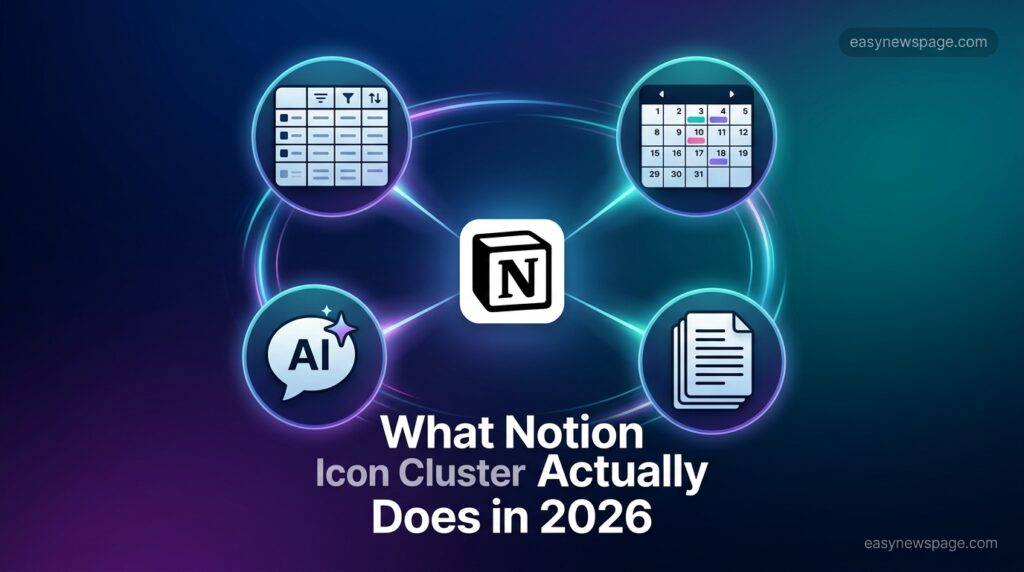
Notion review 2026 — chosen because readers searching this exact phrase in mid-2026 want a current verdict that accounts for this year’s AI pricing overhaul, not a review written before Notion restructured its AI tiers.
- Notion pricing 2026 — this specific topic has seen three pricing changes in under two years (AI add-on, then bundling, then Custom Agent credits), so readers searching this phrase are actively trying to untangle which tier they actually need right now.
- Notion AI worth it — Notion’s AI is now gated behind its most expensive per-seat tier, so this is the exact decision point readers face after seeing the price jump, not a generic “is AI good” question.
- Notion vs ClickUp — ClickUp is the most commonly cited alternative specifically because it undercuts Notion’s per-seat price by 30–40%, making this comparison the natural next search for a price-sensitive reader.
Map: block-based editor, Notion Agent, Custom Agents, per-seat pricing, workspace database, knowledge base, connected search, Business plan. These are woven directly into body sentences below, which gives search engines topical depth signals specific to Notion’s actual 2026 feature set rather than generic productivity-tool language.
Gap Analysis: Most existing top-ranking Notion reviews either predate the 2026 AI-bundling change and quote outdated $8–$10 add-on pricing, gloss over the new Custom Agent credit system entirely, or compare Notion only against ClickUp without addressing Obsidian’s fundamentally different local-first approach. This review turns each gap into its own heading: “What Changed in Notion’s AI Pricing This Year,” “Custom Agents and the New Credit System,” and “Notion vs. Obsidian: A Different Philosophy, Not Just a Cheaper Price.”
TL;DR: Box and Pros & Cons table give AI Overviews and voice search compact, extractable summaries of the verdict. The pricing comparison table and FAQ block are self-contained, which helps this piece surface cleanly when someone asks an AI assistant, “How much does Notion cost in 2026?” without needing surrounding article context pulled in.
Notion Review 2026: Features, Pricing, and Verdict
TL;DR: Notion remains the most flexible all-in-one workspace for notes, databases, and documentation in 2026, but its best AI features — Notion Agent, Ask Notion, and Custom Agents — are now locked behind the $20/user/month Business plan after the standalone AI add-on was retired. Solo users and small teams who don’t need AI are still well served by the Free or $10/month Plus plans. Teams that need deep project management should look at ClickUp; individuals who want offline, local-first notes should look at Obsidian.
What Is Notion?
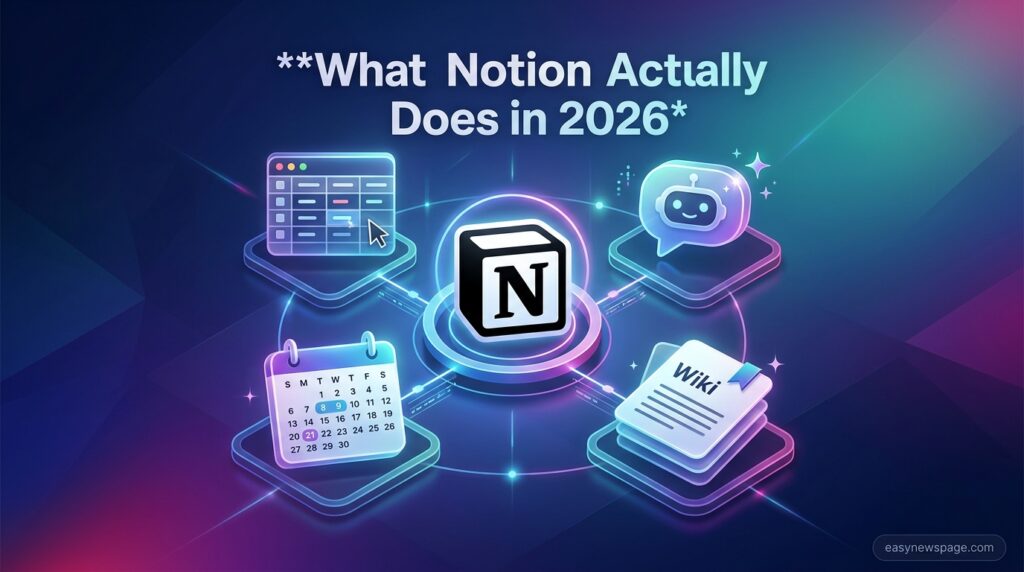
Notion is a block-based editor and workspace where every piece of content — text, a to-do item, an embedded file, a database row — is a movable “block” you can rearrange freely. That single design decision is what lets Notion function as a notes app, a wiki, a project tracker, and a CRM without forcing you into a fixed template. Instead of separate apps for docs and databases, Notion treats both as variations on the same underlying block system, which is why teams end up building everything from content calendars to client CRMs on top of it.
In 2026, Notion has layered a genuine AI system on top of that foundation rather than bolting on a chatbot sidebar. Notion Agent can execute multi-step tasks — drafting a document, querying a workspace database, updating pages — working autonomously for stretches of up to about 20 minutes across many pages at once, which is a meaningfully different architecture than the writing-assistant-only AI Notion shipped a couple of years ago.
Key Features
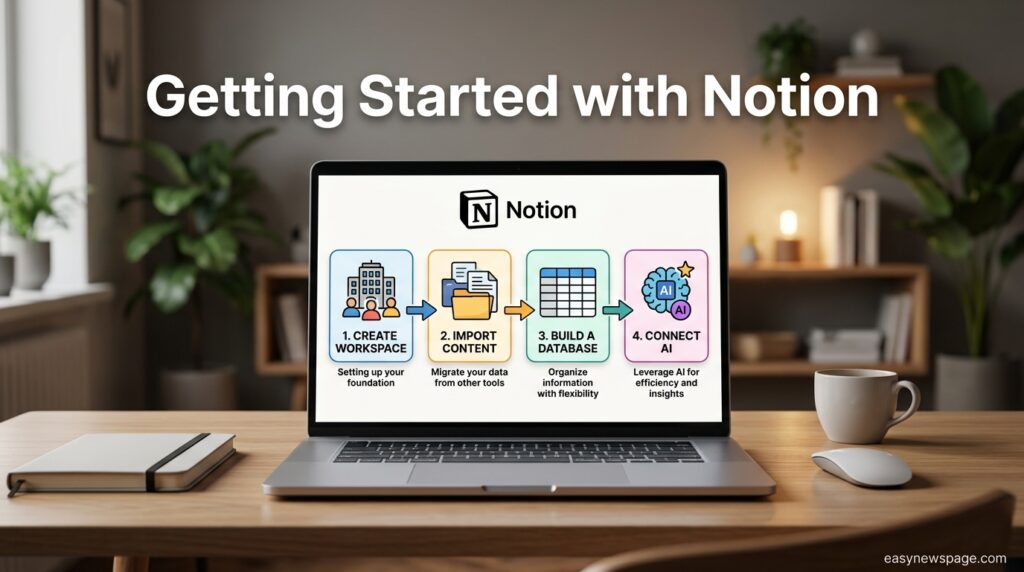
- Databases with multiple views. The same underlying data can be viewed as a table, board, calendar, gallery, timeline, or list, switchable instantly — useful for teams that want a Kanban board and a calendar over the identical project data.
- Notion Agent. Executes multi-step tasks inside your workspace, such as building a project tracker from a meeting summary or drafting a document from source material, included in the Business plan.
- Ask Notion / connected search. Queries across your entire workspace, plus connected sources like Google Drive and Slack, are useful for teams tired of hunting through scattered docs for an answer that already exists somewhere.
- AI Meeting Notes. Automatically captures and organizes notes from calendar-linked meetings, transcribing in multiple languages.
- Custom Agents. User-configured autonomous workflows triggered by database changes, schedules, or Slack messages, introduced in February 2026 and now billed on a metered credit system.
- Model choice. As of the January 2026 release, users can select among GPT-5.2, Claude Opus 4.5, and Gemini 3, or let an “Auto” mode pick the best model for each task.
Is It Legit?
Yes, Notion is a legitimate, widely used productivity platform with millions of users across individuals, startups, and enterprises, not a fly-by-night SaaS product. On the AI-privacy side specifically, Notion states that data used to power its AI features is shared with AI subprocessors solely to deliver those features, under contractual agreements that prohibit the use of customer data to train external models, and that Enterprise plans use zero-retention processing, where AI data is deleted immediately after use.
Business plans, by contrast, retain AI data for up to 30 days, which is worth knowing if your workspace handles sensitive client information.
Who It’s For / Use Cases
- Solo knowledge workers and students who want a single flexible space for notes, reading lists, and personal project tracking — the Free plan alone typically covers this without needing AI at all.
- Small teams needing a shared wiki or documentation hub where the deliverable is a written document rather than a task board — Plus, at $10/user/month, it covers unlimited file uploads and 30-day version history.
- Growing companies wanting AI baked into daily knowledge work — Business at $20/user/month unlocks Notion Agent, Ask Notion, and AI Meeting Notes, which matters most for teams that genuinely search across scattered docs daily.
- Agencies doing strategy, content, or research work where the deliverable is document-led rather than task-and-dependency-heavy project delivery, where Notion tends to fit more naturally than dedicated project-management tools.
How to Use It
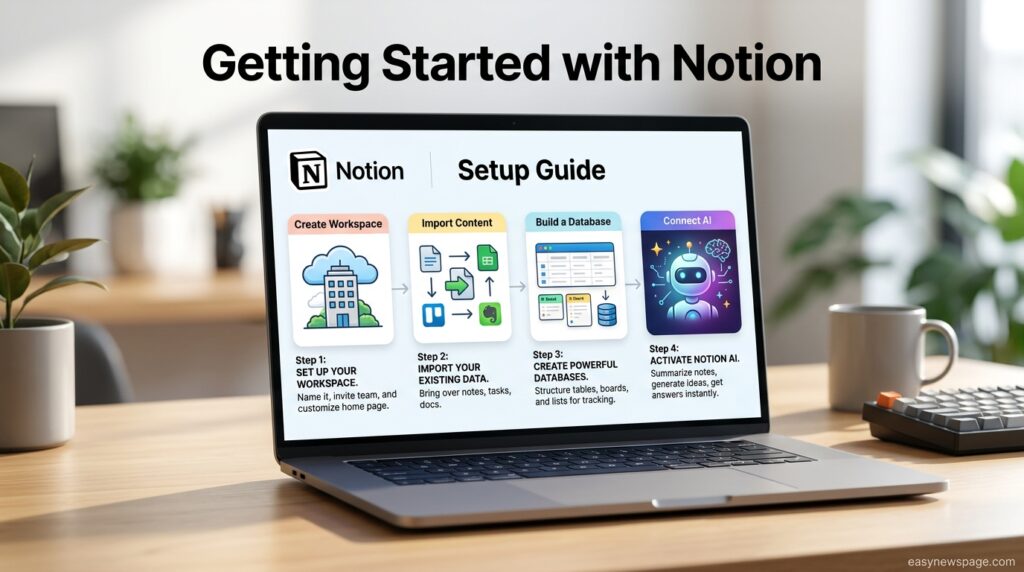
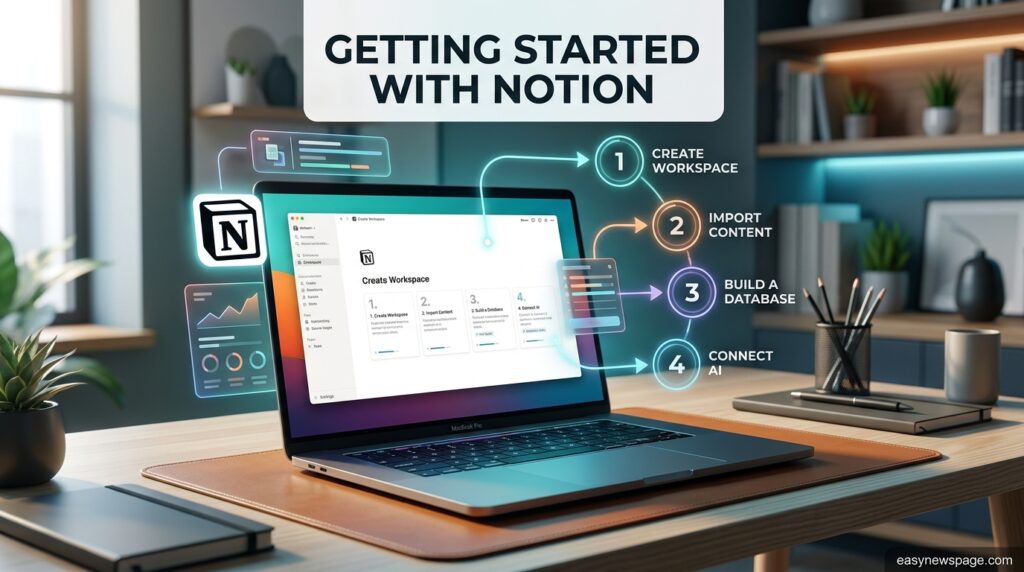
Getting started with Notion is straightforward: create a workspace, then either start from a blank page or import existing content from tools like Evernote, Google Docs, or Trello using Notion’s built-in import options. From there, most new users build out a handful of core databases — a task tracker, a meeting-notes page, a personal or team wiki — and link them together using Notion’s relational database properties, which let one database reference rows in another (for example, linking tasks to the project they belong to).
If you’re on Business and want to use the AI features, the practical path most reviewers and Notion’s own guidance recommend is starting narrow: pick a pilot group of three to five people, choose one high-value workflow like knowledge-base Q&A or meeting notes, connect the relevant AI connectors (Slack, Google Drive), and measure whether it actually saves visible time before expanding company-wide. Rolling AI out to an entire team at once, without a proven workflow in place first, is one of the most commonly cited reasons AI adoption stalls in larger organizations.
What It Isn’t Great At
Notion’s flexibility is also its biggest weakness for certain workflows. There’s no native Gantt chart with true cross-task dependencies — teams that need formal dependency management typically end up building a template that approximates it with date fields, which works but requires manual upkeep as the team grows.
Performance is a second recurring complaint: Notion pages can take one to three seconds to load, depending on database complexity, and very large workspaces slow down noticeably compared to purpose-built, faster tools. Offline access is also limited: unlike local-first tools, Notion’s mobile offline editing only covers recently viewed pages, making it a poor fit for teams that regularly work without a reliable connection.
User Sentiment
Paraphrased sentiment across reviews and forums shows a consistent split. Long-time users frequently praise Notion’s continuous feature releases and describe the platform as one that keeps getting more capable year over year, citing the shift from a simple writing assistant to an agent that executes multi-step tasks as a genuine leap rather than a marketing refresh.
On the other hand, a recurring complaint centers specifically on the AI pricing restructuring: users who were previously paying for Plus plus a modest AI add-on now feel pushed into the pricier Business tier, with no smaller-scale AI option left for solo users or small teams. A third common thread involves the learning curve — several reviewers note that Notion’s blank-canvas flexibility, while powerful, leaves new users unsure where to start compared to more opinionated, structured competitors.
Pros & Cons
| Pros | Cons |
|---|---|
| Extremely flexible block-based editor works as a notes, a wiki, and a lightweight project tool | Full AI access requires the $20/user/month Business plan — no cheaper AI-only option |
| Notion Agent can execute genuine multi-step tasks, not just chat replies | No native Gantt/dependency view; teams template around it |
| Model choice (GPT-5.2, Claude Opus 4.5, Gemini 3, or Auto) | Custom Agents now bill separately via a metered credit system |
| Free plan is genuinely usable indefinitely for individuals | Performance slows noticeably in large, complex workspaces |
| Frequent, substantive feature releases (Calendar, Mail, forms, automations) | Offline mobile editing is limited to recently viewed pages |
Pricing Overview
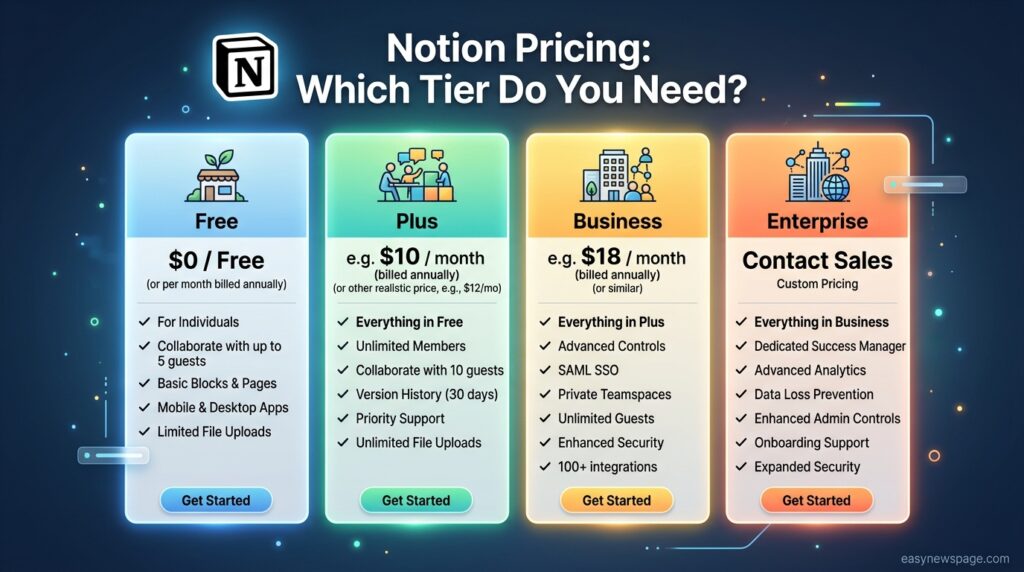
Notion’s 2026 structure has four tiers. Free costs $0 and includes unlimited blocks for individuals, but caps file uploads at 5 MB each and retains only 7 days of version history. Plus runs $10/user/month, billed annually ($12/user/month), and adds unlimited file uploads, 30-day version history, and — as of March 2026 — unlimited guests on all paid plans.
Business costs $20/user/month ($24 monthly) and is the only per-seat tier that includes full AI access: Notion Agent, Ask Notion, AI Meeting Notes, private team spaces, advanced permissions, SAML SSO, and 90-day version history. Enterprise is custom-priced and adds workspace-wide analytics, zero-retention AI processing, and dedicated support.
The wrinkle that trips people up: Custom Agents, Notion’s user-built autonomous workflows, had a free exploration period through May 3, 2026, but now run on a metered credit system — $10 per 1,000 monthly Notion credits, pooled workspace-wide, resetting monthly with no rollover.
Standard Notion Agent and Ask Notion don’t consume credits; only Custom Agent runs do, and a single complex run that searches your workspace and updates multiple databases can burn through a meaningful chunk of a credit batch in one go.
| Plan | Price (annual billing) | Best For |
|---|---|---|
| Free | $0 | Individuals testing the platform |
| Plus | $10/user/month | Small teams needing collaboration, no AI |
| Business | $20/user/month | Teams that want full Notion AI features |
| Enterprise | Custom | Large orgs needing SSO, zero-retention AI |
Value Verdict
For individuals and small teams that don’t need AI, Notion remains genuinely good value — the Free plan is among the more generous in productivity software, and the Plus plan at $10/user/month is reasonably priced compared with comparable collaboration tools.
The value proposition gets shakier the moment AI enters the picture: paying double, at $20/user/month, only makes sense if your team will use Notion Agent, Ask Notion, or AI Meeting Notes often enough that the reclaimed time genuinely offsets the cost. One customer case study cited in industry coverage reported Notion AI saving roughly 13.5 minutes per user per day across a 1,400-employee deployment — meaningful at scale, but worth validating against your own team’s actual habits with a short pilot before rolling it out company-wide.
Top Alternatives
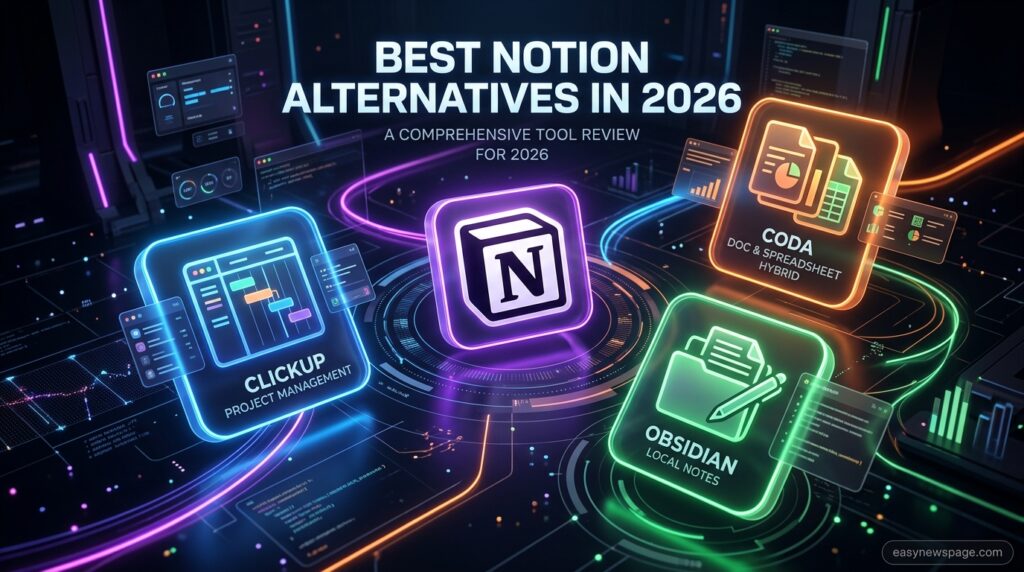
ClickUp is the alternative most frequently recommended for teams whose core need is project management rather than documentation — it includes native Gantt charts, dependencies, time tracking, and workload views that Notion has to approximate with templates, and it runs 30–40% cheaper than Notion at equivalent tiers.
Obsidian takes the opposite approach entirely: notes live as local Markdown files on your own device rather than in the cloud, which appeals to users who prioritize data ownership, offline access, and long-term file portability over real-time collaboration. Coda is worth a look for teams that want doc-and-spreadsheet hybrids with more built-in automation than Notion offers natively.
Quick Comparison vs. ClickUp
ClickUp wins decisively on project-management depth: 15+ view types, including true Gantt with dependencies, workload balancing, and time tracking, are native, not templated workarounds. It’s also consistently 30–40% cheaper than Notion at equivalent seat counts. Notion wins for document-led, strategic work — content calendars, research, brand strategy, and wikis where the deliverable is a written page rather than a tracked task. If your team lives in tasks and sprints, ClickUp is the stronger pick; if your team lives in documents and knowledge bases, Notion’s cleaner reading and editing experience tends to win out.


Read more: AI Job Automation: What’s Really Happening
FAQ
Is Notion AI included for free in 2026?
No. Free and Plus users get only a limited AI trial. Full, ongoing access to Notion Agent, Ask Notion, and AI Meeting Notes requires the Business plan at $20/user/month, after the standalone AI add-on was retired earlier this year.
How much do Notion’s Custom Agents actually cost?
Custom Agents run on a metered credit system: $10 per 1,000 monthly Notion credits, purchased in addition to a Business or Enterprise seat. Credits pool across the workspace, reset monthly, and don’t roll over to the next billing cycle.
Is Notion better than ClickUp for my team?
It depends on the work. ClickUp offers deeper native project-management tools (Gantt, dependencies, time tracking) at a lower per-seat price, while Notion suits document-led, strategic work better, such as wikis, research, and content calendars.
Can I use Notion completely offline?
Only partially. Notion’s mobile app allows limited offline editing of recently viewed pages, but it isn’t built as a local-first tool. Users who need full offline access typically look at Obsidian instead.
Conclusion
Notion in 2026 is still one of the most flexible workspaces available, and for individuals or small teams handling notes, wikis, and light project tracking, the Free and Plus tiers remain genuinely good value. The decision point that actually matters now is AI: Notion consolidated what used to be an optional add-on into its priciest per-seat tier, so the real question isn’t “is Notion good” — it’s “will my team use Notion Agent and Ask Notion often enough to justify paying double for Business.”
The single most actionable step: before upgrading an entire team to Business for the AI features, run a 30-day pilot with three to five people on one specific workflow — knowledge-base Q&A or meeting notes tend to show value fastest — and measure whether it visibly saves time before rolling it out further.
If your team’s core need is actually project management with dependencies and time tracking rather than documentation, price out ClickUp first, since it undercuts Notion by 30–40% at equivalent tiers while covering that specific gap more natively. And if data ownership and offline access matter more to you than real-time collaboration, Obsidian remains a fundamentally different, and for many individual users a better, fit than either.